Shelly devices: what the models mean and how to use them in Optimaatti
A simple guide to choosing the right Shelly model and connecting it to Optimaatti.
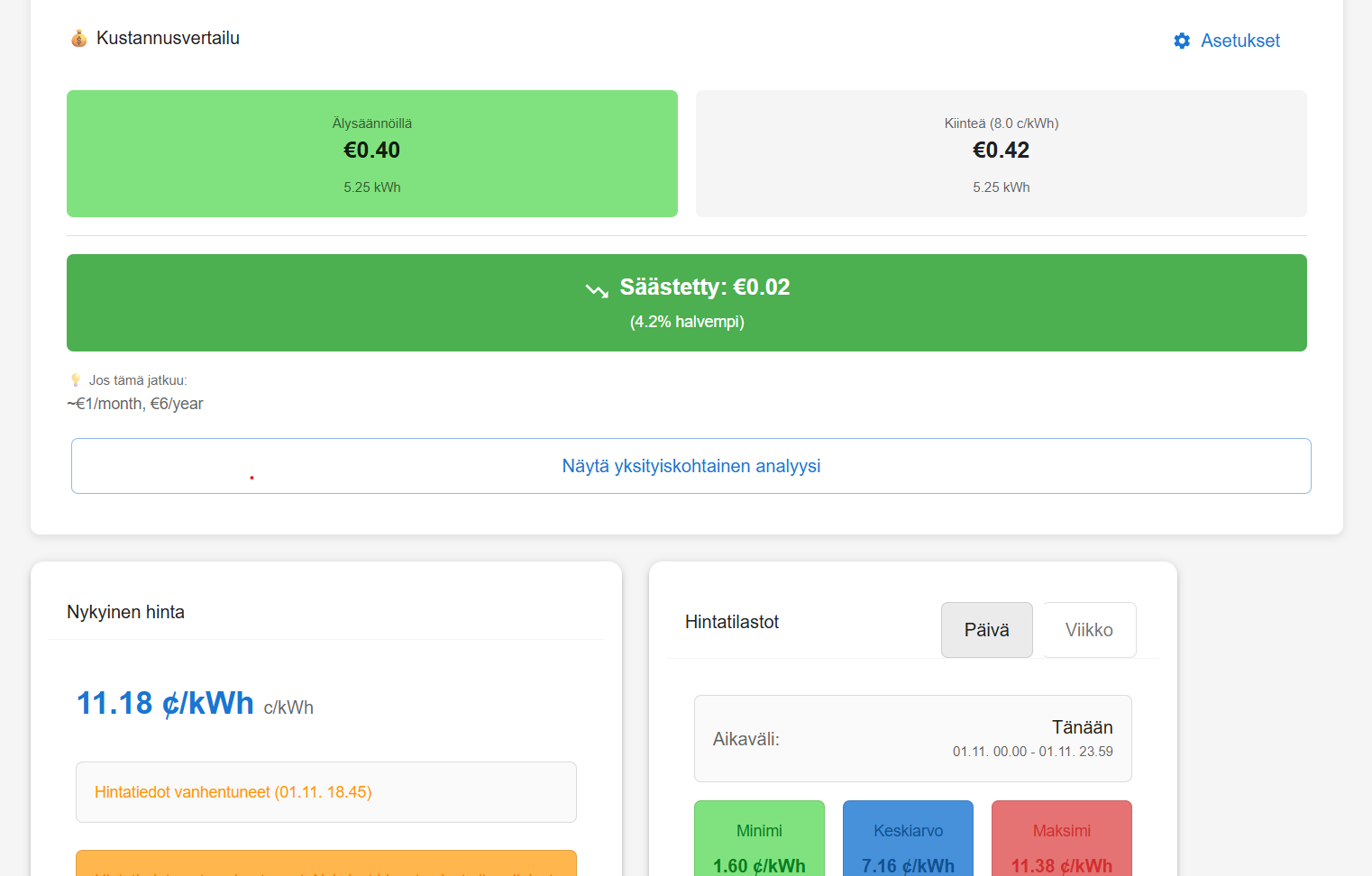
Shelly devices: what the models mean and how to use them in Optimaatti
Shelly is a smart-home ecosystem with switches (relay/dimmer), meters (energy), and sensors. In Optimaatti, Shelly is essentially the control and measurement interface: Optimaatti decides when a device should run, and Shelly executes the switching.
In this article:
- what different Shelly model names mean
- which use cases different devices fit best
- how to connect Shelly devices to Optimaatti (MQTT)
- what to consider for reliability and safety
1) Quick glossary of Shelly model names
Shelly names usually include a few key parts. Once you understand them, you can often pick the right model in the store.
Plus vs Pro
- Shelly Plus: consumer-focused, Wi‑Fi, a solid default choice for homes.
- Shelly Pro: typically DIN-rail for the electrical cabinet, often Ethernet support and more “professional” form factor.
Optimaatti works with both using the same principle: connect via MQTT and control using rules.
1, 2, 4… (number of channels)
The number often indicates how many outputs you can switch:
- 1: one output
- 2: two outputs
- 4: four outputs
If you control two separate loads (two heating circuits, two lighting groups), a 2-channel model can be a good fit.
PM and EM (measurement)
- PM: “Power Measurement” — the device measures power/energy on the controlled output.
- EM / 3EM: separate energy meters. 3EM usually means three-phase measurement.
Measurement is especially useful in Optimaatti:
- better cost analysis and savings reports
- you see what automation actually does
Plug / Plug S
A Shelly Plug is an easy way to start:
- no electrical installation required (as long as the load is suitable)
- often includes energy metering
Good targets: water heater (if plug-connected), circulation pump, dryer, portable heaters.
2) What does Shelly do in Optimaatti?
Optimaatti is the “brain”, Shelly is the “hands”:
- Optimaatti fetches electricity prices and makes decisions based on rules / predictive control (MPC)
- Shelly executes control: on/off (and sometimes dimming) and reports state back
Typical Optimaatti usage:
- price rules: turn on when price is below a threshold or during the cheapest hours
- schedule rules: force on/off at specific times
- temperature rules: turn heating on/off based on a sensor threshold
- predictive control (MPC): predictive control that adapts heating to price and comfort
- offline scheduling: schedules can be stored on the device to keep working during outages
3) How to connect Shelly to Optimaatti (MQTT)
Optimaatti uses MQTT to connect devices. Think of MQTT as a message bus where:
- Shelly publishes state and measurements
- Optimaatti publishes control commands
Step 1: get MQTT credentials from Optimaatti
In the app you’ll find the MQTT host, port, username and password. Use them exactly.
Step 2: enable MQTT in Shelly
Open the Shelly web UI (on your LAN) and:
- enable MQTT
- enter Optimaatti host/port/user/password
- save and confirm the device connects
Step 3: verify the device appears in Optimaatti
Once MQTT works, the device shows up in your device list. Then you can:
- name it clearly
- set its usage type (heating / lighting / other)
- create your first rule
4) How do I choose the right Shelly model?
A few practical rules of thumb.
Water heater
- If you only need on/off: a 1-channel relay (Plus/Pro) is usually enough.
- If you want consumption data: choose a PM model or add separate metering.
Underfloor heating / electric radiators
- Reliability is important, and temperature data helps.
- A common setup is:
- a relay (Shelly)
- a temperature sensor (Shelly sensor or another) + temperature rule / predictive control (MPC)
Lighting
- On/off is often enough.
- For dimming you need a dimmer model.
Whole-home consumption and main fuse
- For measuring whole-home power or per-phase power: EM/3EM.
- This helps you understand how automation impacts overall demand.
5) What does “channel/output” mean in Optimaatti?
Many Shelly devices have multiple outputs. In Optimaatti:
- a device may appear as one device, but has multiple controllable outputs
- rules can target a specific output
If you control two separate loads with one 2-channel Shelly, make sure rules target the correct channel.
6) Reliability and safety
- Electrical work should be done by a professional. Large loads and incorrect installation can be a fire risk.
- Use offline schedules when possible: the device follows the schedule even if the internet drops.
- Use strong, unique credentials. Don’t share or hardcode MQTT credentials.
- Keep firmware updated for security and stability.
7) How does Shelly show up in Optimaatti reports?
When the device has energy metering:
- Cost analysis can compute consumption and savings more accurately
- Device state history helps you see when the device was on and how prices/rules affected it
If a device is only a relay without metering, control still works, but reporting is more limited.
Summary
Shelly devices are a key building block in Optimaatti: they turn automation into real-world control. If you pick the right model (channels, metering, installation format) and connect it via MQTT, you get:
- automatic price rules and schedules
- temperature-based control
- predictive control (MPC) (if enabled)
- reporting (especially with metering)
Next step: connect your first Shelly and create a simple rule. When the basics work, you can add predictive control (MPC) and fine-tune pricing/VAT settings so reports match your contract.