Home automation, Shelly and savings: how to reduce your electricity bill the smart way
How Shelly and Optimaatti make home automation useful for real savings, not just convenience.
Home automation, Shelly and savings: how to reduce your electricity bill the smart way
Home automation is often seen as a “turn lights on and off” hobby. In reality, the biggest benefits usually come from energy:
- electricity prices vary hour by hour (and in some markets even in 15-minute intervals)
- many household loads are flexible without affecting daily life
- automation makes smart scheduling and control effortless
In this article:
- what home automation means in practice
- why Shelly is a strong foundation
- concrete use cases and where the euros come from
1) What is home automation really?
In simple terms home automation means:
- you have devices (switches, meters, sensors)
- some logic makes decisions (rules, schedules, an automatic plan)
- the system executes actions automatically
For savings, the most important thing is that controllable loads are:
- large (significant kWh)
- flexible (timing can be shifted)
- safe to control (relay control, suitable loads)
Typical examples: water heaters, supplementary heating, EV charging, and some appliances.
2) Why are Shelly devices a great base?
Shelly devices are a practical way to bring control and measurement into a home:
- control: relay on/off (and dimming on some models)
- measurement: many models include power/energy (PM, EM/3EM)
- form factors: consumer (Plus) and DIN-rail (Pro)
In Optimaatti, Shelly is the “hands”: when Optimaatti decides a device should run, Shelly executes the switching.
3) How does Optimaatti + Shelly generate savings?
Savings typically come from three things:
1. Shifting consumption to cheaper hours
If a device uses 3 kWh/day and you shift 50% to cheaper hours, the savings depend on the price difference.
Example:
- cheap hour: 5 c/kWh
- expensive hour: 20 c/kWh
- shifted consumption: 1.5 kWh
Daily savings: 1.5 kWh × (0.20 € − 0.05 €) = 0.225 €
Monthly savings (30 days): ~6.75 €
One device may not feel huge, but with multiple controllable loads and large price spreads (winter), the total grows quickly.
2. Avoiding unnecessary runtime
With automated control based on data you avoid “forgetting something on”:
- schedules stop unnecessary usage
- rules prevent pointless heating
3. Comfort stays — savings come from smart control
The goal is not to make your home cold or inconvenient. Instead:
- control is sensible
- limits are respected (time windows, temperatures, priorities)
- decisions are made automatically
4) Practical examples: what to automate and which Shelly to use
Water heater (the most common savings target)
Why it works:
- it’s a “thermal battery”
- you can pre-heat during cheap hours
Implementation:
- Shelly relay for control (professional installation if needed)
- optional metering (PM or separate meter)
- Optimaatti price rule / predictive control (MPC) if enabled
Electric heating (supplementary heating / radiators / underfloor heating)
Why it works:
- heating is a major cost
- even small improvements in control show in the bill
Implementation:
- Shelly controls the heating circuit
- a temperature sensor helps with temperature rules
- predictive control (MPC) can anticipate and manage comfort targets
EV charging
Why it works:
- charging is flexible
- night vs evening price spreads can be large
Implementation:
- Shelly controls charging enable/disable (or a contactor)
- Optimaatti schedules charging into cheap hours
Appliances (dryer, washing machine, dishwasher)
Why it works:
- shifting to cheaper hours is often easy
Implementation:
- Shelly Plug (if the load is suitable)
- schedule or price rule
5) What matters to ensure savings are real?
Pricing and VAT
To make reports match your contract:
- fill in “Pricing & VAT” settings (VAT %, fees, base charges)
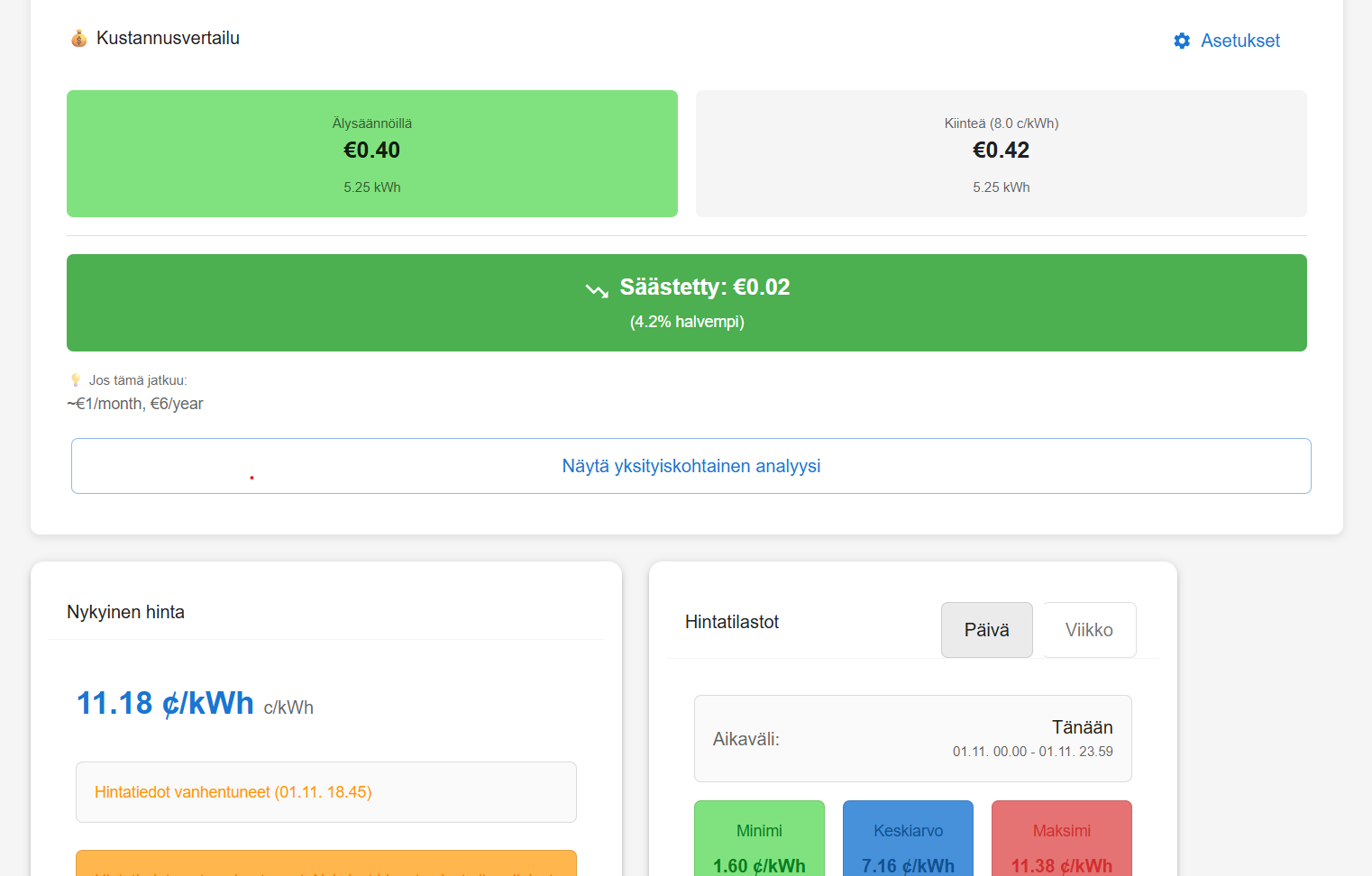
- use cost analysis to compare market vs fixed pricing
Offline schedules
Enable offline schedules when available:
- the device receives the schedule directly
- works even during internet outages
Metering
Metering is not required for control, but it makes benefits visible:
- cost analysis
- per-device reports
- easier fine-tuning later
6) Where to start
If you’re starting from scratch:
- Choose one clear load (water heater or supplementary heating)
- Connect Shelly to Optimaatti via MQTT
- Create one simple rule (e.g., “cheapest X hours”)
- Check device state history to verify it runs during cheap hours
- Review savings in cost analysis
When the basics work, expand to another device.
Summary
Home automation is not only a convenience project. With the right controllable loads and Shelly + Optimaatti, savings come from:
- shifting consumption to cheaper hours
- reducing unnecessary usage
- making smart control continuous
Most importantly: you don’t need daily manual tweaking — it happens in the background.