6 minNews
Predictive control: new features and an easier setup
What changed in MPC and why setup is now easier for everyday users.
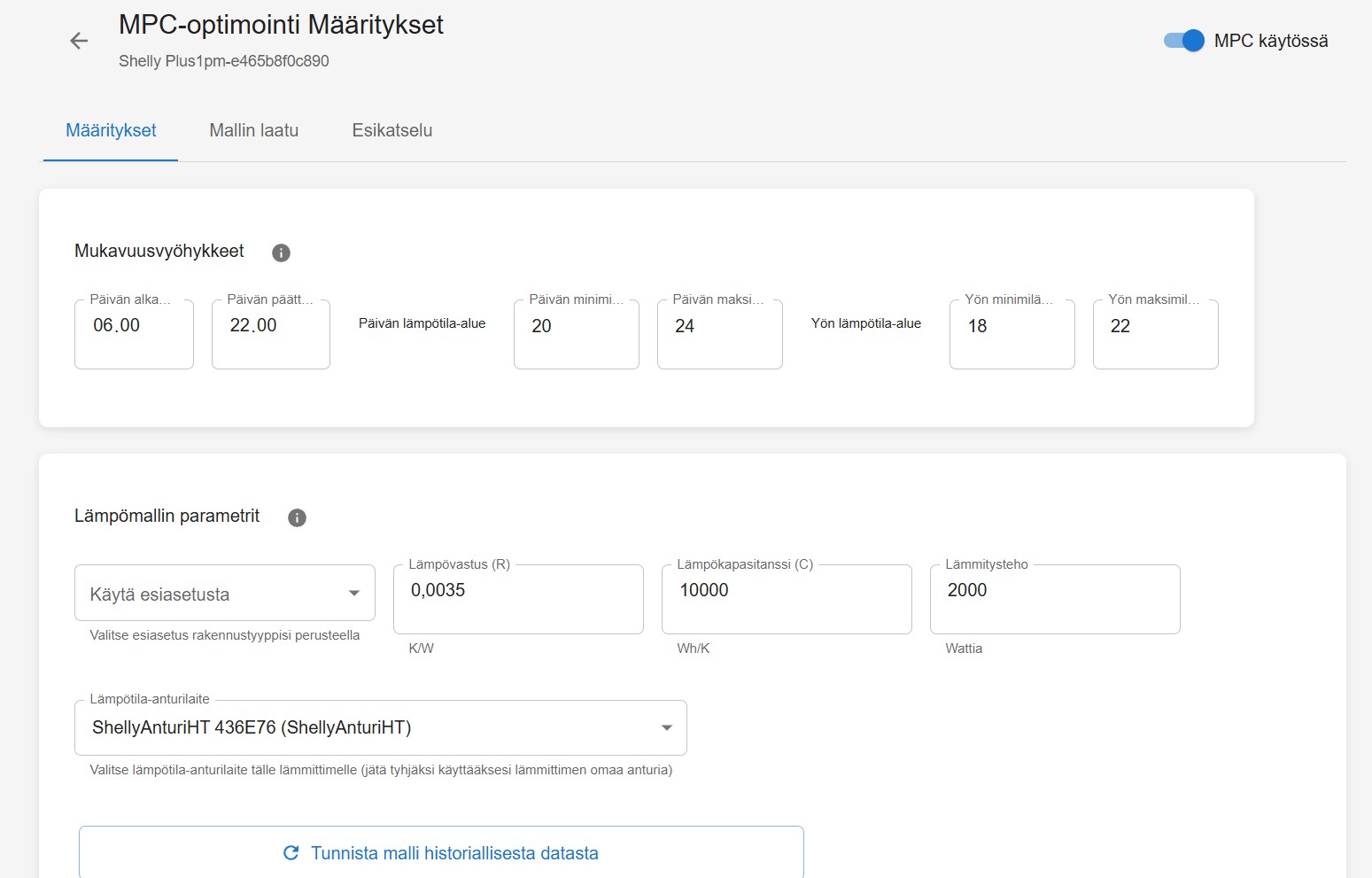
Predictive control: new features and an easier setup
Predictive control (MPC) has received multiple improvements with one goal: you can enable it faster and better understand what the system is doing.
1) Basic / Advanced modes
- Basic mode guides you through setup step by step.
- Advanced mode exposes all technical fields for fine-tuning.
2) Cold start: enable control immediately
At the beginning there is usually no identification data yet. Now you can enable predictive control immediately.
- The system uses safe default parameters at first.
- At the same time it collects temperature and power data to identify a better model later.
3) Automatic model identification in the background
Once enough data has accumulated, the system attempts to identify the thermal model automatically.
- You don’t need to start identification manually.
- You can still run it manually if you want to speed up setup or improve the model.
4) Preview and optimization analysis
Preview shows the planned control before you activate it.
- See predicted temperature, limits and control periods.
- Optimization analysis helps explain what the plan does and why.
5) Comfort report
Comfort report summarizes how well actual temperature stayed within your comfort limits.
- Quickly spot whether settings are good or need adjustments.
How to get started
- Make sure a temperature sensor is selected and reporting reliably.
- Start with Basic mode and run Preview.
- Let the system collect data; automatic identification improves control over time.